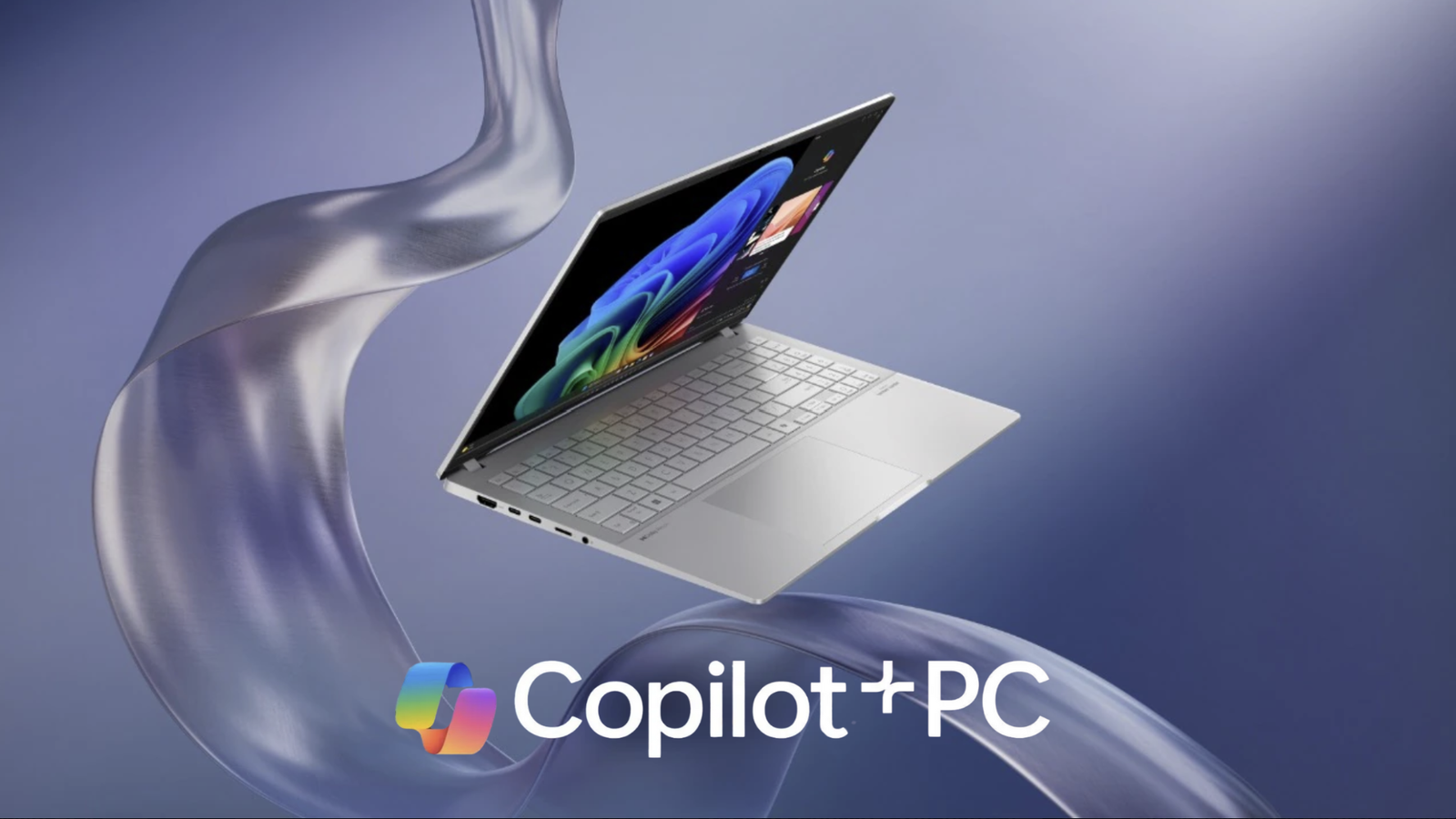
A Copilot+ PC represents a new class of Windows 11 devices that use powerful on-device AI capabilities. These devices are purpose-built to handle advanced AI tasks directly on the hardware, without relying solely on internet-based processing. That means – when you get a Copilot+ PC, you get faster performance, improved productivity and more intuitive user experience. Welcome to the era of the Copilot+ PC!
What sets Copilot+ PCs apart?
Copilot+ PCs use next-gen NPUs (Neural Processing Units) that efficiently handle AI workloads alongside the CPU and GPU. Combine that with Windows 11’s built-in AI assistant, Microsoft Copilot. The result is a machine that actively learns your preferences, improves your workflow and makes multitasking a breeze.
The difference between a Copilot+ PC and a traditional Windows PC comes down to daily experience and how smoothly tasks get done. These new devices bring AI to the forefront of your experience. Below are just a few features that come together with a Copilot+ PC:
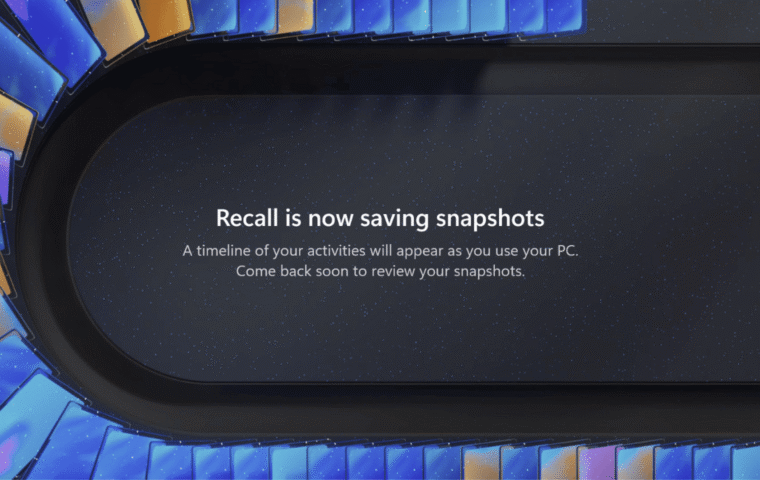
- Instant Recall: Search your entire PC history using natural language. Want to find that chart you saw in a PowerPoint last week? Just ask.
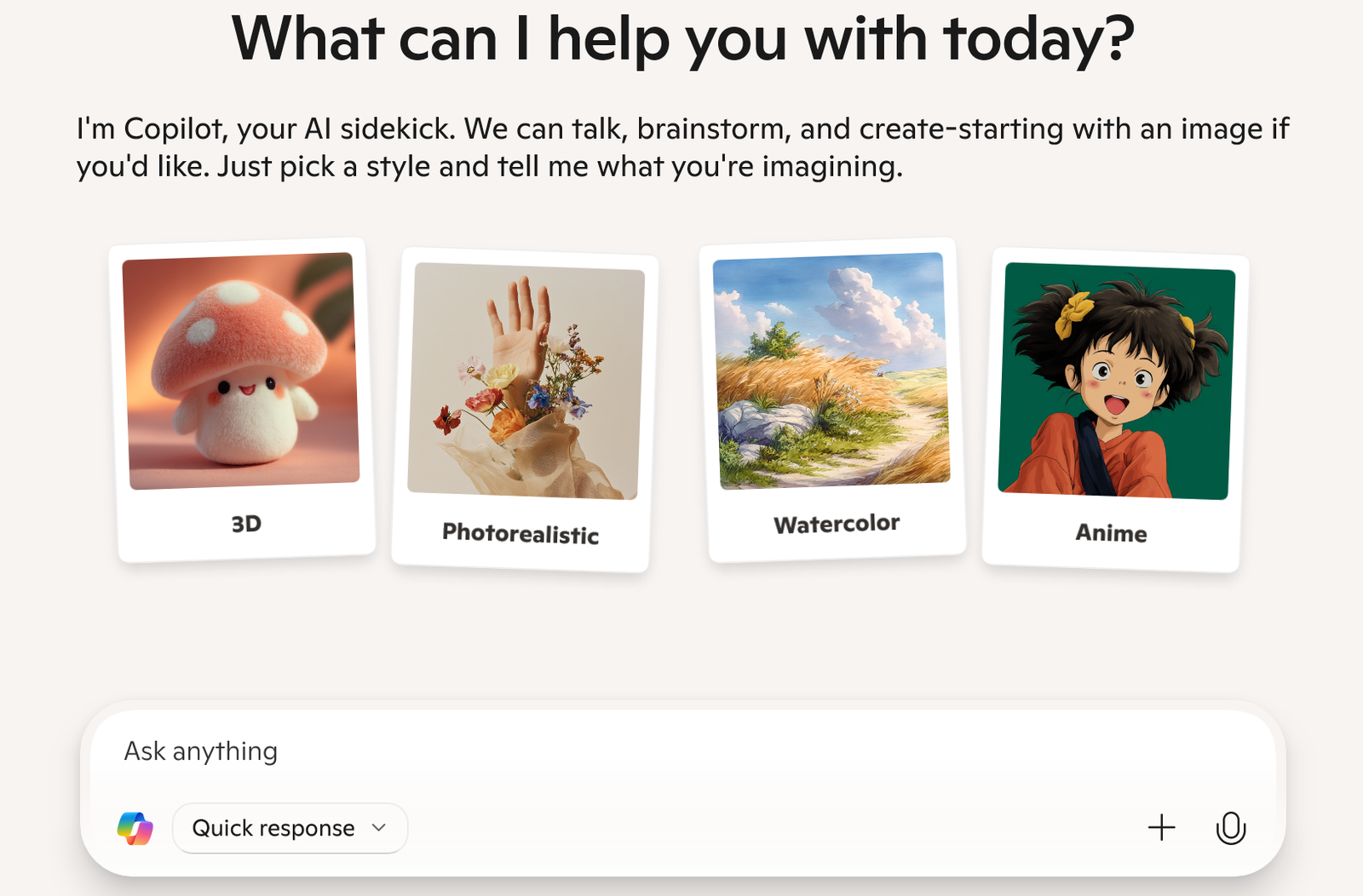
- Cocreator: Use AI to generate or edit images in real time with text prompts, all processed locally.
- Live Captions with Translation: Instantly translate spoken language from videos and calls, even offline.
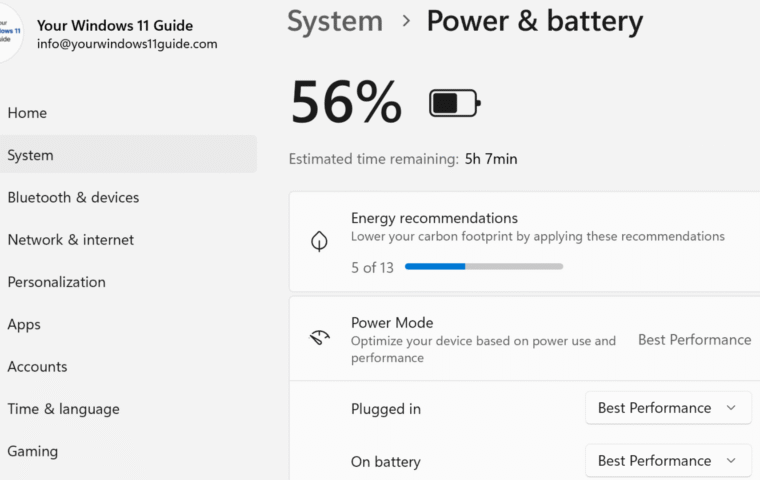
- Battery Efficiency: Thanks to NPU optimization, many Copilot+ PCs deliver all-day battery life (some promise up to 20+ hours).
- Security by Design: With Windows Hello, Pluton security chips, and on-device AI, you’re getting both performance and peace of mind.
Check out our post on differences between Copilot+ PCs and traditional Windows PCs for full in-depth comparison that will help you decide if it’s time to upgrade.
Who Are Copilot+ PCs For?
A Copilot+ PC is designed for people who want a faster and more intelligent Windows experience. Students can summarize lectures and organize study materials using built-in AI tools. Professionals benefit from natural language commands for drafting documents and automation that reduces repetitive tasks. Even everyday use feels smoother thanks to improved multitasking, better performance and AI assistance integrated directly into Windows.
Personally, I find myself fitting into all these categories – I’m a learner, a blogger and someone who’s deeply exploring what these new AI-powered tools can do. In fact, this is what sparked my interest in sharing my own journey of getting a Copilot+ PC, which I’ll talk about next.
Copilot+ PC Quick Facts & Insights
What is an NPU and why does it matter?
A Neural Processing Unit (NPU) is a dedicated chip that accelerates artificial intelligence tasks. It handles things like real-time translation, image generation and summarizing text, all directly on your device. This offloads the work from the CPU and GPU, resulting in faster AI performance with better power efficiency.
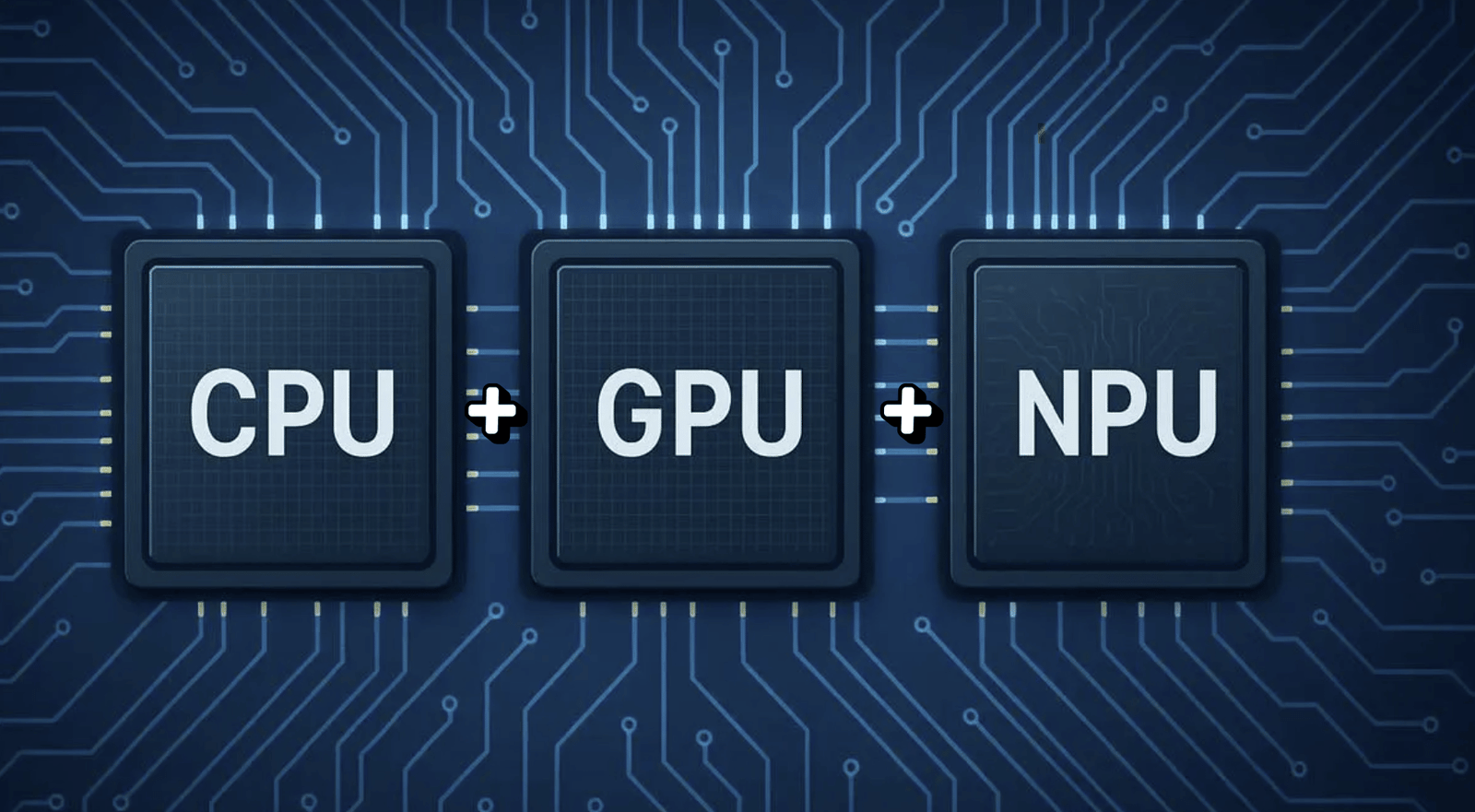
The power of an NPU is measured in TOPS (Trillions of Operations Per Second). The higher the TOPS, the more AI operations the chip can perform every second. Here’s a quick breakdown:
- <10 TOPS: Found in older or entry-level NPUs, not enough to run advanced AI features locally.
- 10–30 TOPS: Suitable for light AI tasks like voice assistants or basic object recognition.
- 30–45 TOPS: Ideal for modern AI-powered experiences like Recall, Cocreator, and Live Captions with Translation – all of which are key features in Copilot+ PCs.
At launch, Microsoft made it clear that Copilot+ PCs must meet a minimum of 40 TOPS. The NPU is what makes Copilot+ PCs so different. It enables real-time, private and offline AI features without draining your battery or relying on constant internet access.
What Processors Do Copilot+ PCs Use?
Currently, there are three processor families that power these Copilot+ PCs:
- Snapdragon® X Series by Qualcomm. ARM-based chips like the Snapdragon X Elite and X Plus deliver up to 45 TOPS of AI performance and optimize battery life.
- AMD Ryzen™ AI 300 Series. Featuring AMD’s latest NPU (based on XDNA 2 architecture), these chips bring up to 50 TOPS, making them the most AI-capable x86 processors to date.
- Intel® Core™ Ultra 200V Series. Intel’s latest Core Ultra chips feature a dedicated NPU and hybrid architecture, designed for seamless AI acceleration with broad compatibility across Windows apps.
Each processor line brings its own strengths, but all are designed to meet the minimum 40+ TOPS AI performance standard that defines a true Copilot+ PC.
Do Copilot+ PC Features Work Offline?
Yes. And this is one of the biggest advantages of a Copilot+ PC. Traditional AI features often rely heavily on cloud servers. Copilot+ PCs process these capabilities directly on the device using the NPU. That means you can access AI-powered tools like Recall, Cocreator and Live Captions without needing to be connected to the internet.
This offline capability improves privacy, boosts performance and keeps you productive even without a reliable Wi-Fi connection. Processing AI tasks locally also reduces background power usage. This helps extend battery life and makes everyday interactions feel faster and more responsive.
Who makes Copilot+ PCs?
Copilot+ is a Microsoft initiative, but the PCs themselves are made by trusted hardware partners like:
- ASUS (like the Vivobook model I’m using!).
- HP, Lenovo, Dell, Samsung.
- Microsoft itself (Surface Laptop and Surface Pro).
How much does a Copilot+ PC cost?
Most Copilot+ laptops start around $1,000 to $1,200 USD (or approx. $1,400 to $1,600 CAD). High-end models aimed at creators and professionals (like OLED displays or 32GB RAM) can go up to $2,000+. You’re paying for premium AI hardware, ultra-long battery life and next-gen performance.
Do I Need a Microsoft 365 Subscription to Use a Copilot+ PC?
Not necessarily, but it really depends on which features you want to unlock. Many of the built-in Copilot+ PC features work without requiring a Microsoft 365 subscription. These run directly on the device’s NPU (Neural Processing Unit) and are available to all users out of the box.
However, if you want to use Microsoft Copilot inside apps like OneNote and OneDrive for deeper productivity, then you’ll need a Microsoft 365 subscription. For a breakdown of each plan and tips on getting the most value, check out my guide: Microsoft 365 Subscriptions Explained.
My Copilot+ PC Journey and First Impressions
Deciding between a regular Windows 11 laptop and a Copilot+ PC wasn’t easy. I spent a lot of time comparing features, performance differences, and long-term value. But after researching the benefits of AI integration, I chose to take the leap, and I’m glad I did. I went with the ASUS Vivobook S 15 S5507QA Copilot+ PC, and the experience so far has been nothing short of transformative.
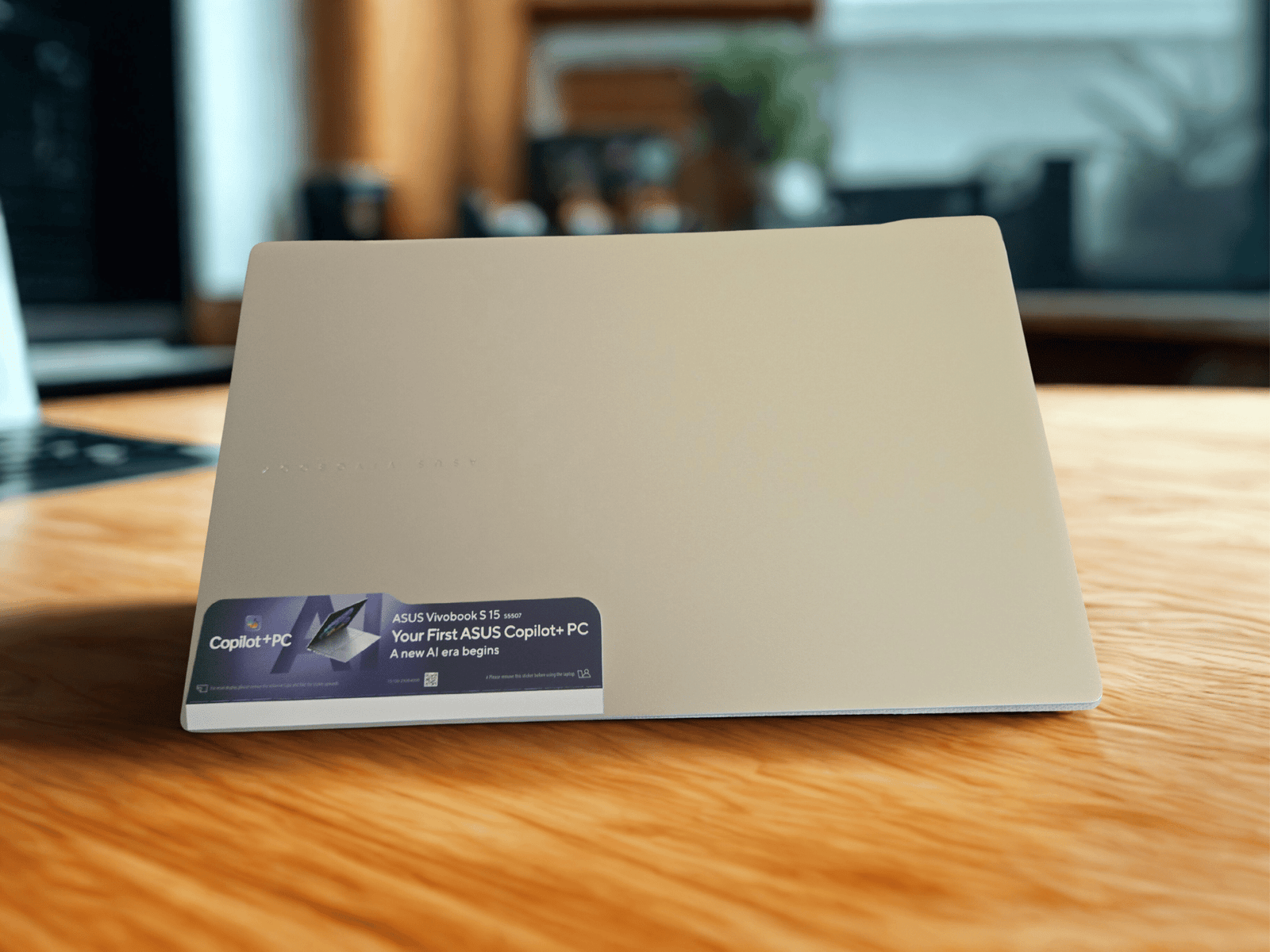
Unboxing the device, I immediately noticed its sleek, modern design with a thin bezel display and a sturdy, well-built chassis. The keyboard feels responsive, and the overall build quality makes it clear this laptop was designed for both performance and portability. From the initial power-up to configuring Microsoft 365 and signing into OneDrive for accessing my files, I could tell this wasn’t just another Windows laptop – it felt like a real productivity partner. I followed a step-by-step routine: connected to Wi-Fi, signed in with my Microsoft account, and instantly had access to cloud storage and Copilot-powered AI features. I highly recommend checking out my posts on OneDrive to better understand cloud syncing, and my Copilot guide to see how AI can truly enhance your day-to-day productivity.
Personalizing my Copilot+ PC
Setting up the Copilot+ PC was more than just adjusting a few preferences – it adapted to the way I work. One of the first things I did was personalize my desktop, which is a key step in making the device truly your own. I cover that process in more detail in my post Customize Your Windows 11 Desktop. For those who are just getting started and would like to know what to expect when turning on their new laptop for the first time, our Getting Started with Windows 11 guide is a must-read to ensure a smooth onboarding process.
As for the value side, I purchased my Asus Vivobook Copilot+ PC at Best Buy, taking advantage of great deals, including the option to finance it through Fairstone at checkout. I’ve documented the full experience in Buying Your First Copilot+ PC: My Experience from Store to Setup, where I share everything from researching models and making the purchase to unboxing and optimizing the setup for peak performance.
Personal Opinion about Copilot+ PCs
Honestly, I’m very impressed and truly satisfied. I see myself reflected in every use case I write about: from learning and note-taking to writing blog posts and researching SEO strategies. And this is just the beginning of my journey!
Microsoft and its partners are already teasing additional AI features that will roll out over time. Owning a Copilot+ PC now puts you right at the front of this transformation. Expect more Copilot-powered tools, better language models and ever-smarter personalization.
Copilot+ PCs represent a shift in how Windows computers work, combining powerful hardware with built-in AI that feels genuinely useful in everyday tasks. If you’re ready to experience what intelligent performance truly feels like, this might be the best time to make the leap.